Gomotion uses OpenRouter to access powerful AI models. Follow this simple guide to create your API key and start generating amazing motion graphics in minutes.
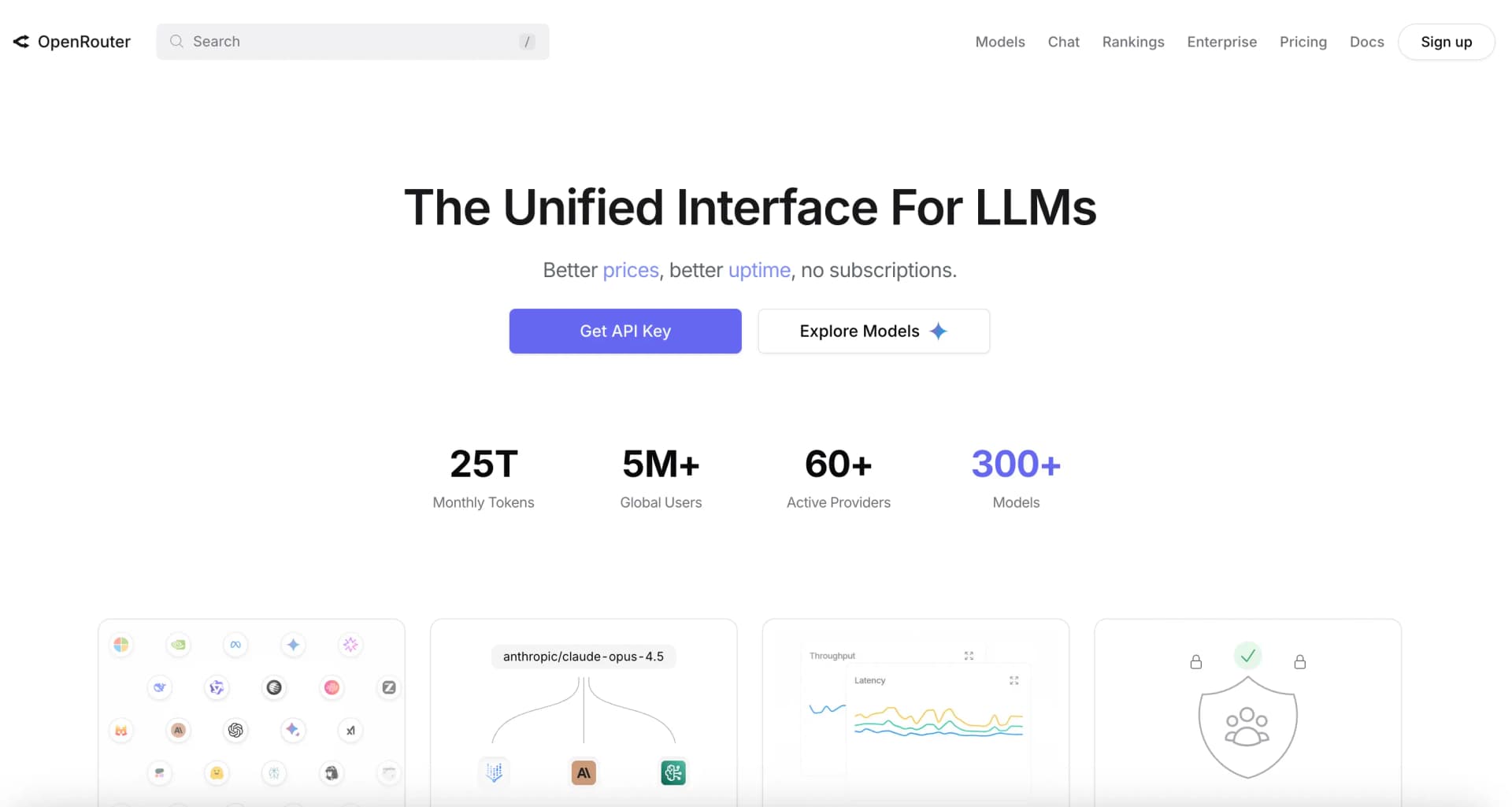
Visit openrouter.ai and click on the "Sign In" button in the top right corner.
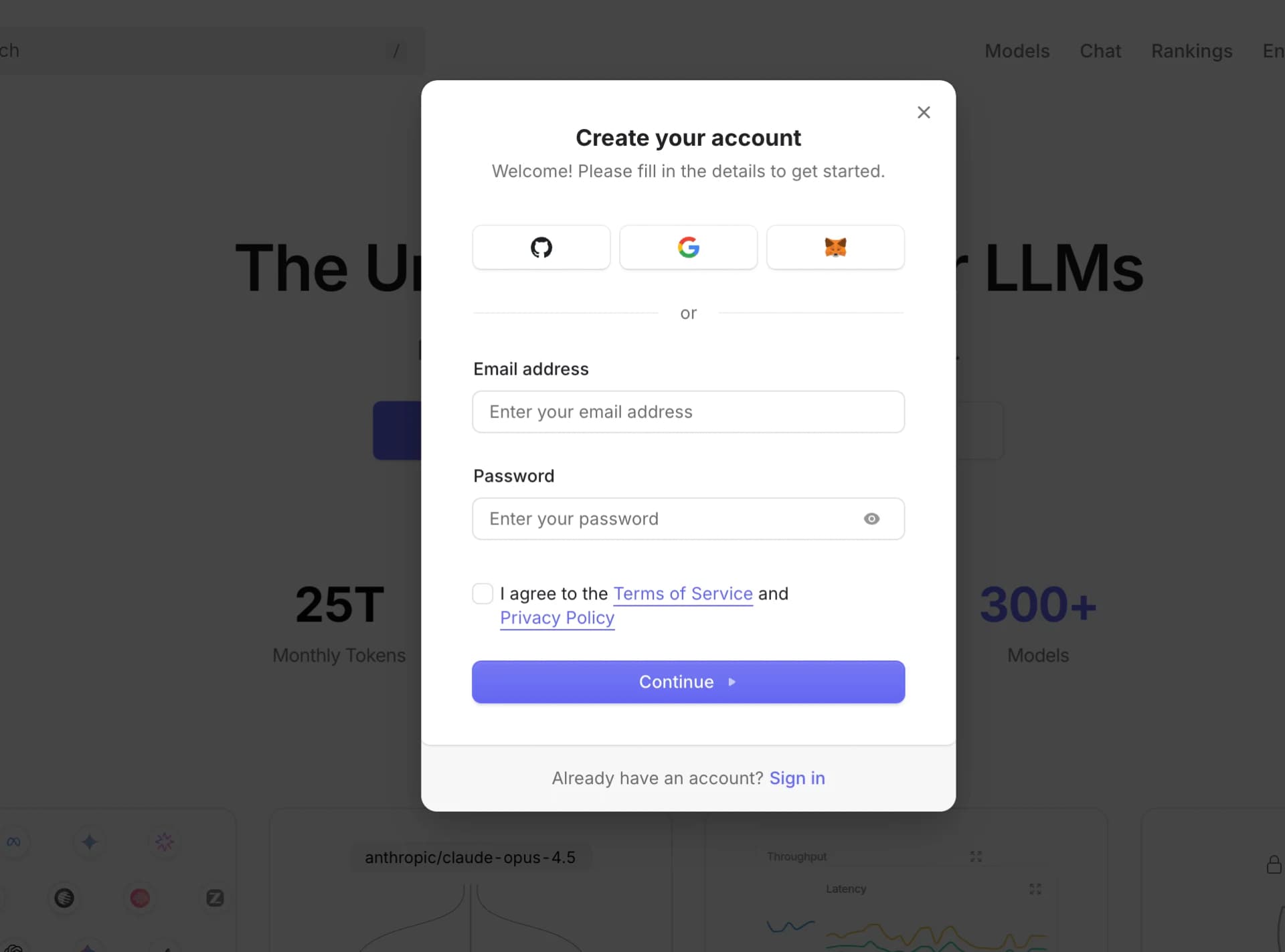
Sign up using your preferred method. You can use:
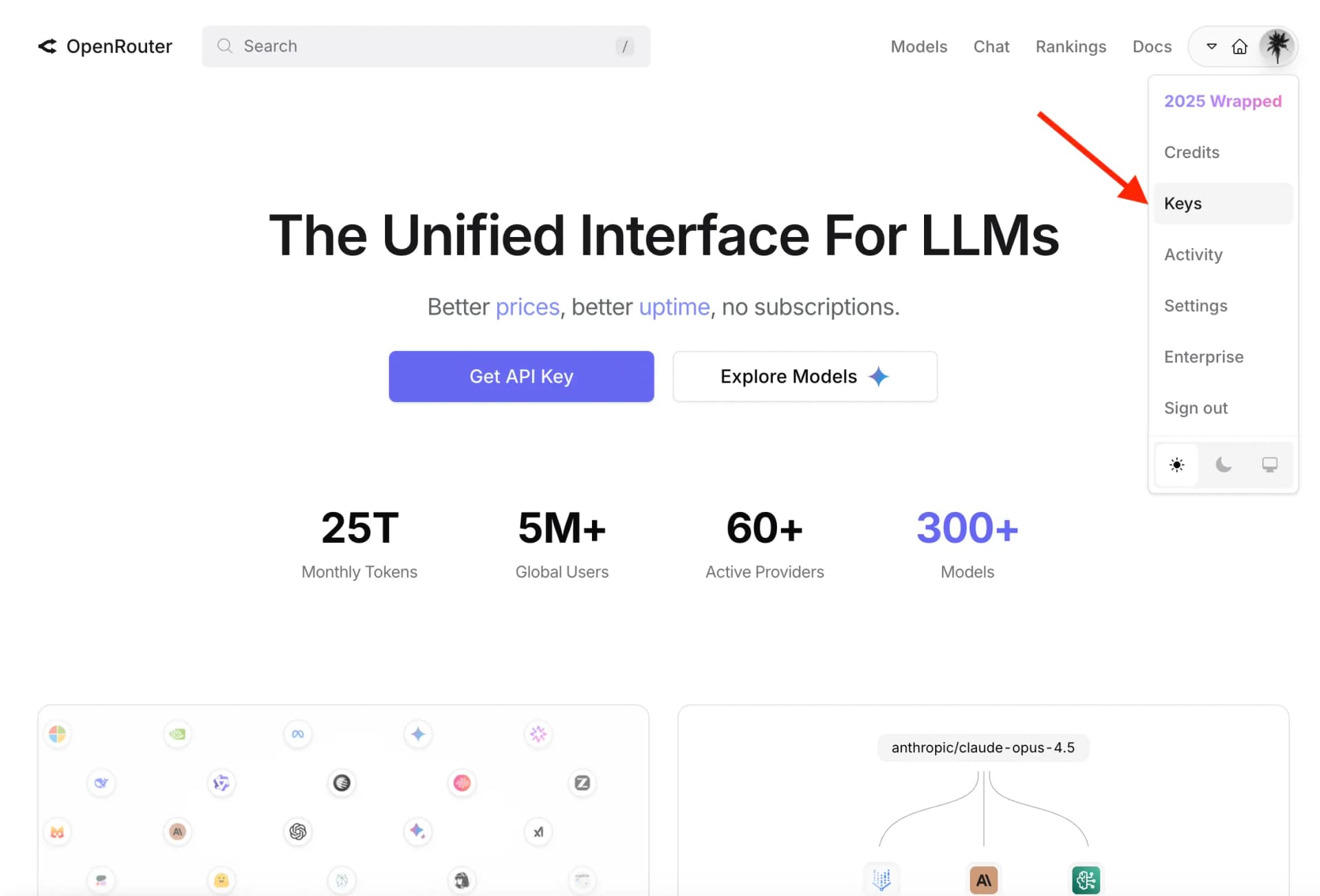
Once logged in, click on your profile icon in the top right corner, then select "Keys" from the dropdown menu. Or go directly to openrouter.ai/keys
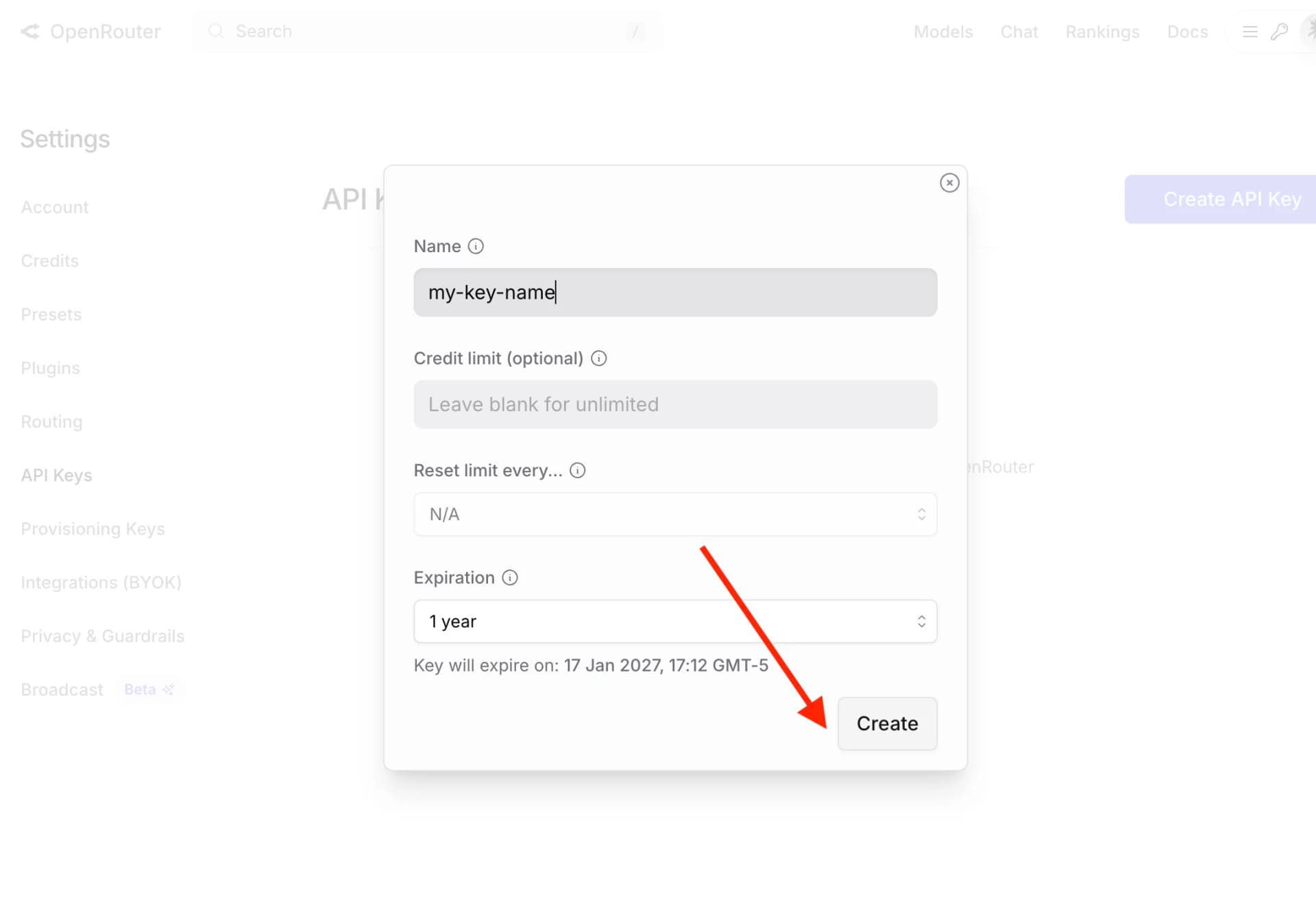
Click on the "Create Key" button. You can give your key a name like "Gomotion" to easily identify it later.
Your new API key will be displayed. Important: Copy it immediately and store it somewhere safe. You won't be able to see the full key again after leaving this page.
sk-or-v1-xxxxxxxxxxxxxxxxxxxxxxxxxxxxxxxxxxxxxxxxxxxxxxxxxxxx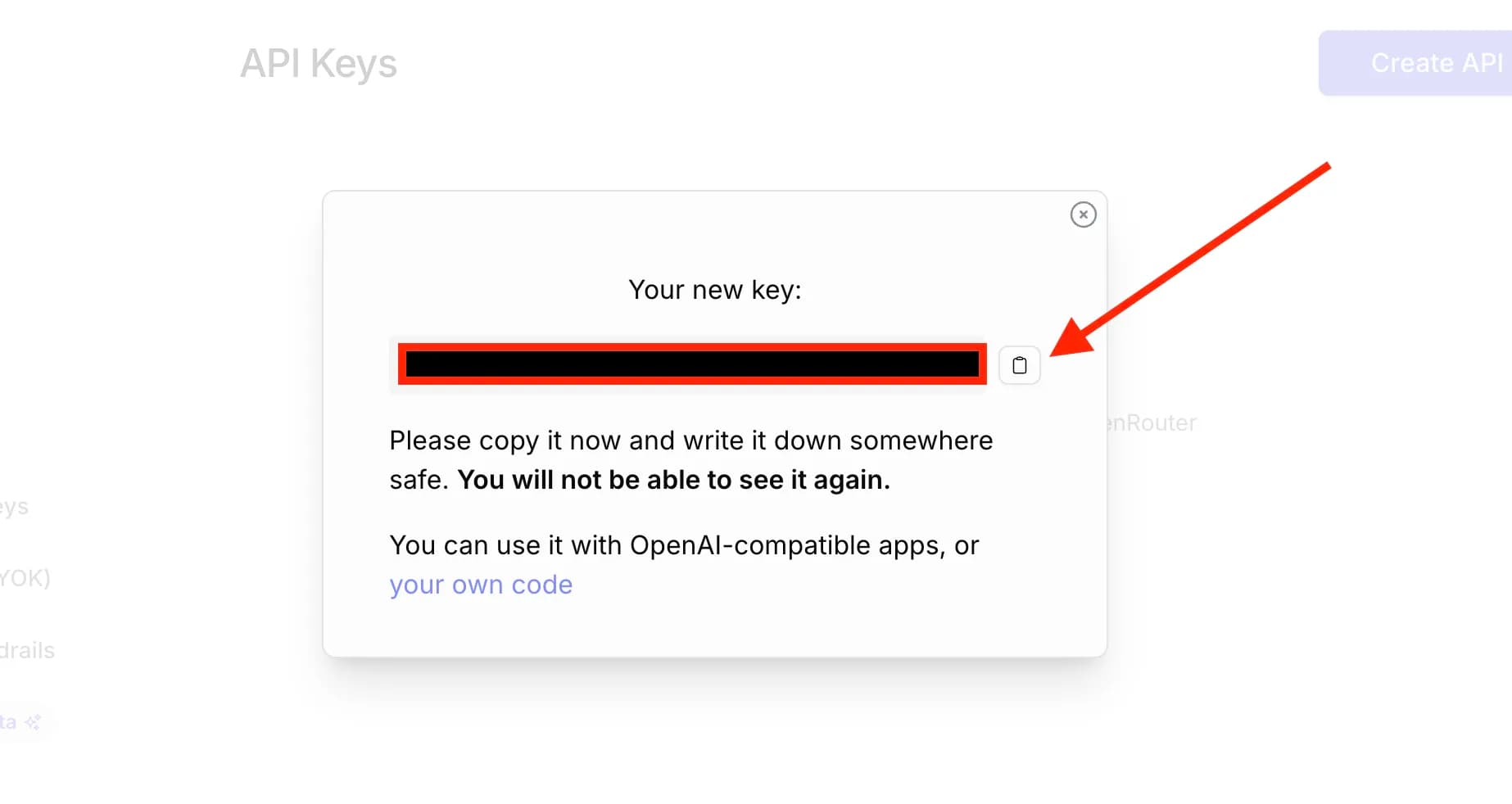
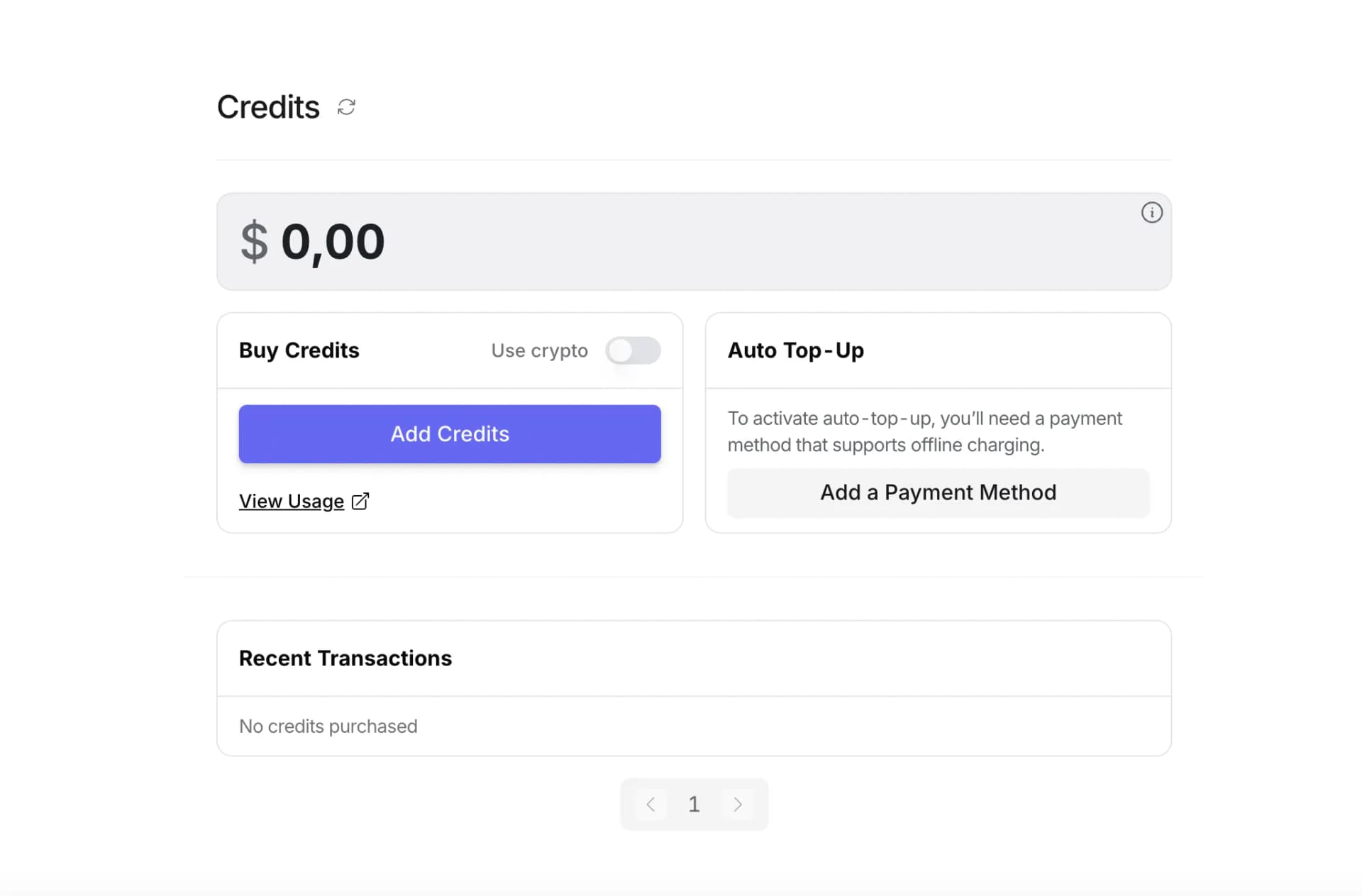
OpenRouter offers some free credits to get started, but for extended use, you may want to add credits to your account. Navigate to openrouter.ai/credits to manage your balance.
Tip: Start with a small amount like $5-10 to test things out. OpenRouter charges per token used, so you only pay for what you use.
Head over to Gomotion, go to your Settings, and paste your OpenRouter API key in the designated field. That's it! You're ready to create amazing motion graphics.
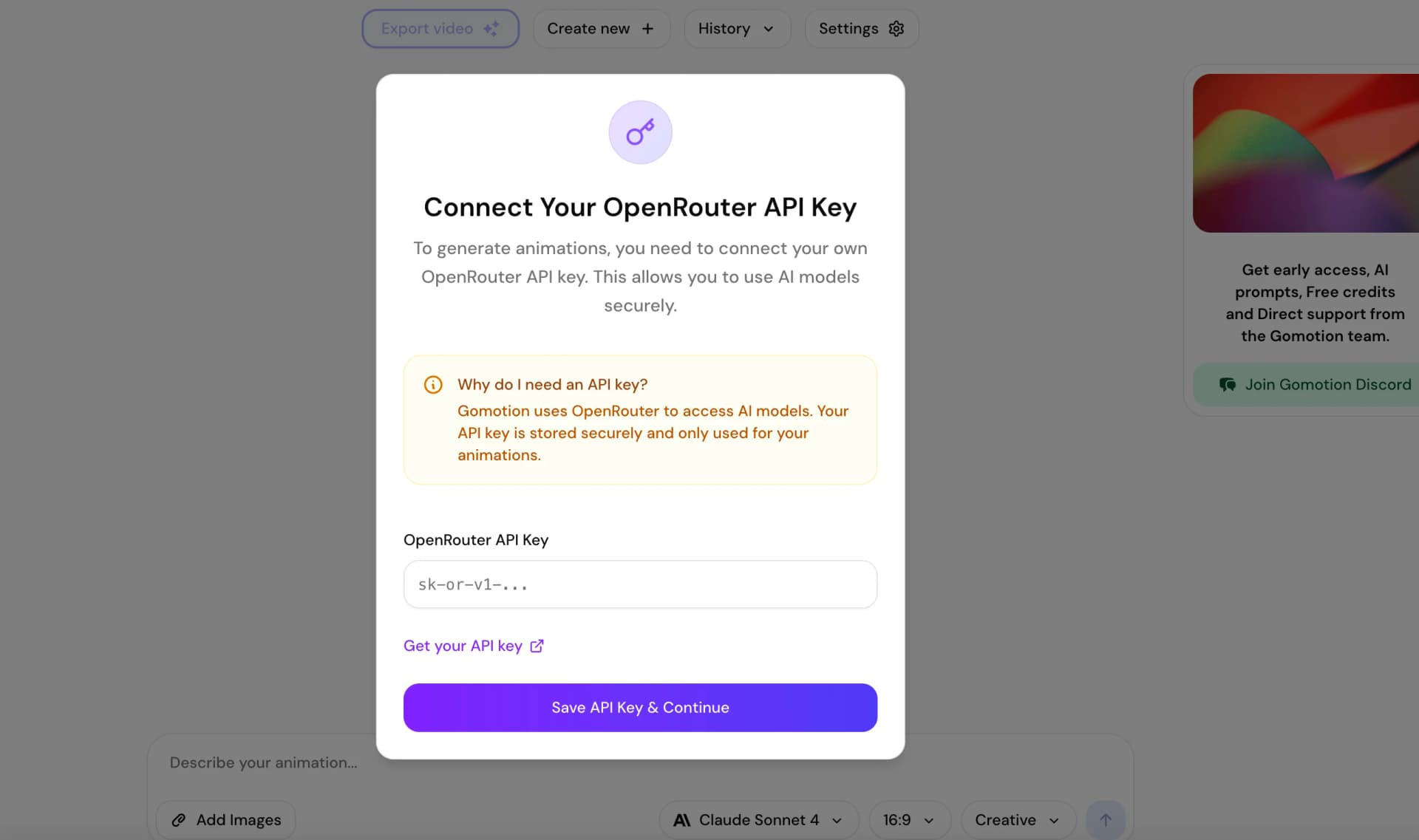
Your OpenRouter API key is now connected to Gomotion. Start creating stunning motion graphics with the power of AI. Just type a prompt and watch the magic happen.
Still stuck? Join our Discord community for help.
